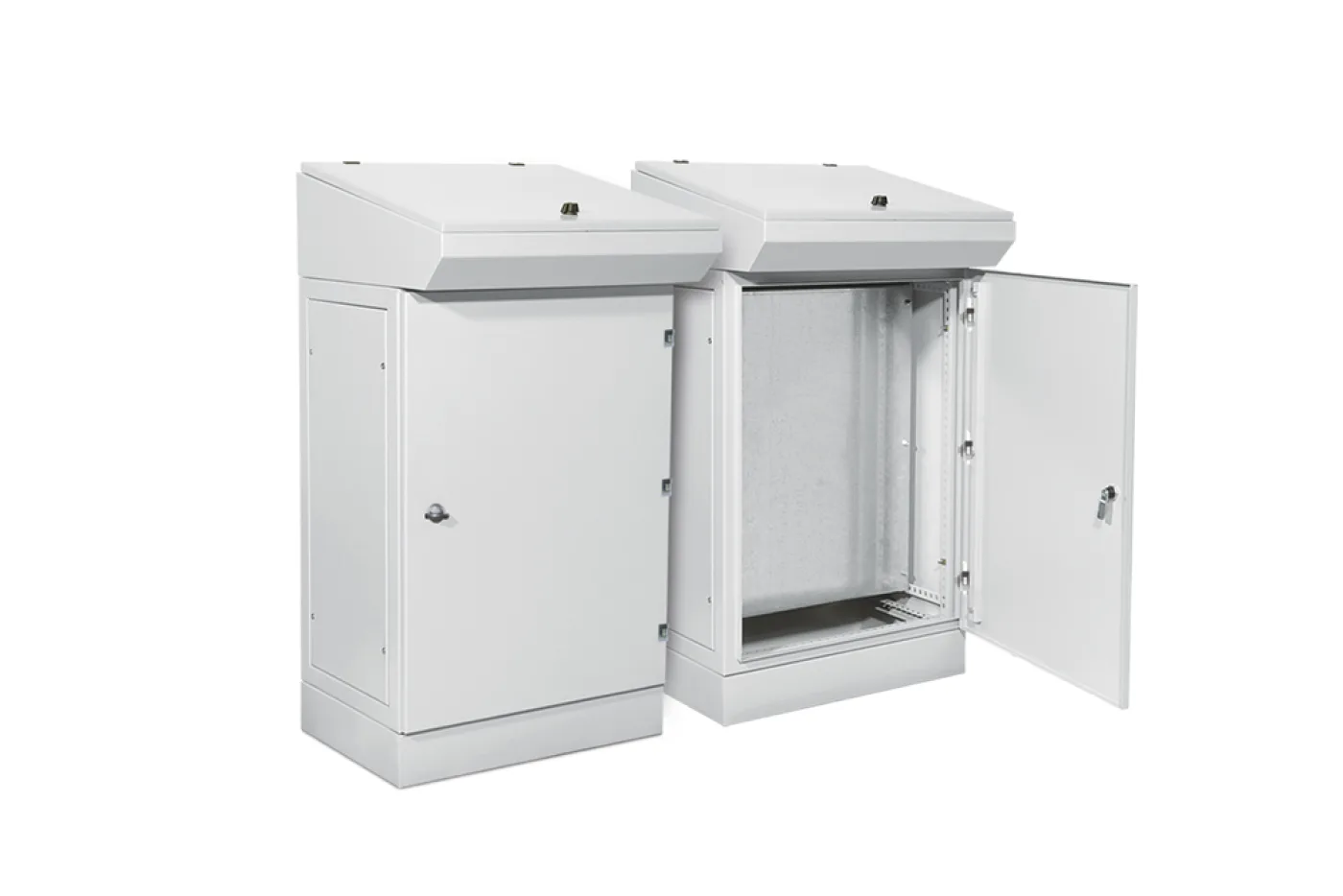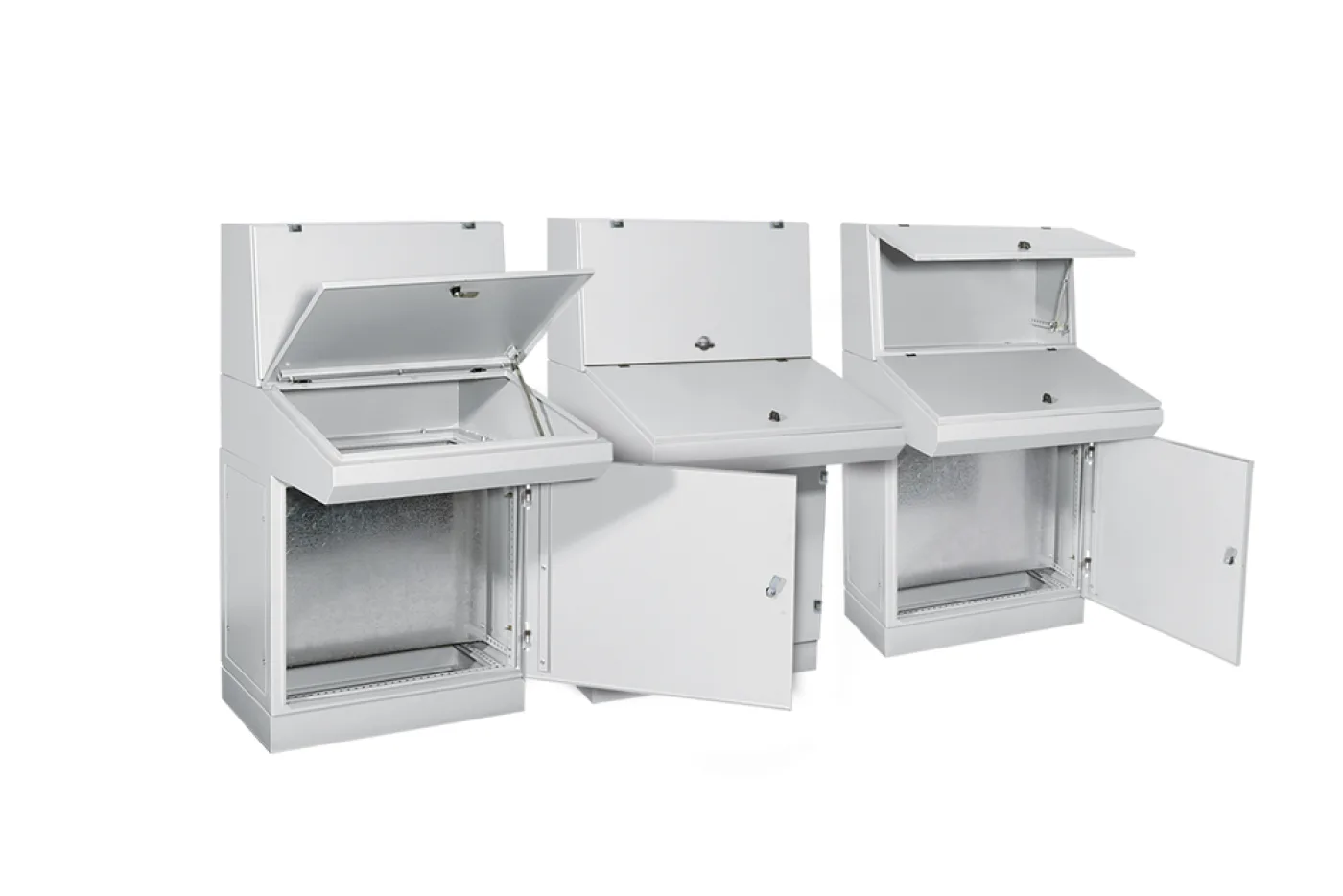
A control console is where the operator talks to the machine: buttons, selectors, indicator lamps, emergency stop and, increasingly, a screen. What separates it from an enclosure is not what goes inside but that a person stands in front of it — and that changes the choice.
The defining feature: modularity
The single most important property of our consoles is not the size of the body but that they join side by side. Because they are modular:
- One module is used on its own for a small panel line or a single-machine station.
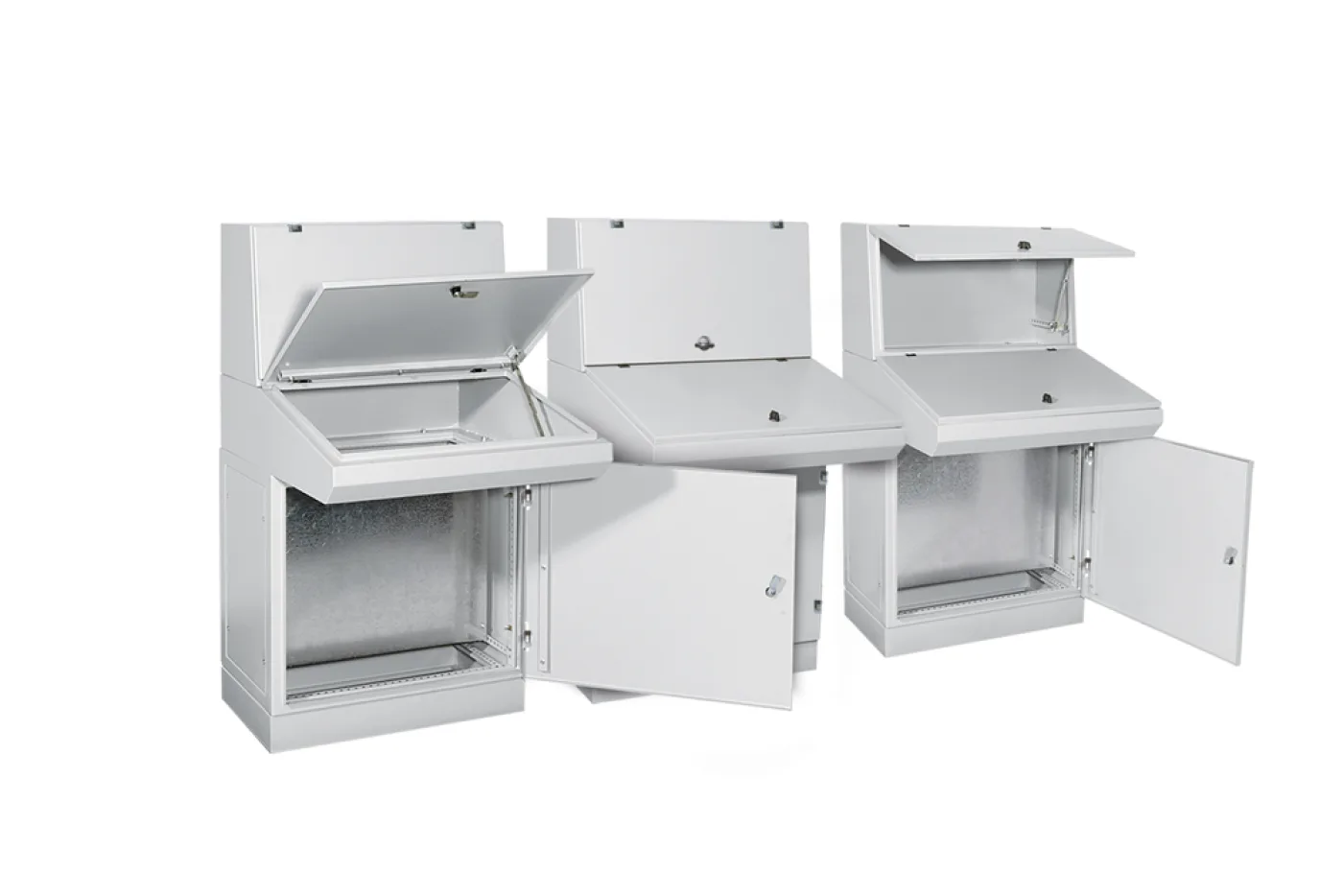
- Several modules set beside each other form a continuous control line of whatever length you need.
In practice that means you build the line for today's requirement and, when a machine is added, add another module beside it instead of replacing the console. With a fixed one-piece control desk that is not possible.
The one thing a modular layout needs decided up front is the direction and the end of the line: which way it will grow, whether it backs onto a wall, whether it turns a corner. Settle that before ordering — adding a module is easy, turning the line round afterwards is not.
Width: 400, 500, 600 mm
There are three module widths, and the choice comes down to how many control elements fall to one module.
| Width | Typical use |
|---|---|
| 400 mm | A single machine, a limited number of buttons and lamps |
| 500 mm | A standard operator station; enough on its own for a small line |
| 600 mm | A dense control layout, many selectors and indicators |
A line does not have to use modules of one width; mixing them by function often works better — for instance a 600 mm main control module in the middle with 400 mm auxiliary modules either side.
The version with a monitor bay
There is a version carrying an additional compartment above the standard console for a screen. Its purpose is one thing: bringing the display and the controls into a single body.
The alternative is hanging the screen off a separate arm or a wall, and in practice that creates three problems:
- The distance between screen and buttons forces the operator to work across two points.
- A separately hung screen leaves its cable exposed — on a dusty, washed-down floor that is a question of service life.
- The screen's position drifts over time, and nobody realigns it.
A console with a monitor bay answers all three. This version is also produced in 400, 500 and 600 mm and joins into the same line as the standard modules.
Protection: IP55
The consoles are rated IP55: dust-protected and resistant to low-pressure water jets. On a production floor that means two things:
- Dust stays out. The contacts and terminals behind the buttons foul within a few years in an open body; IP55 prevents it.
- It survives washing. On a line whose floor is hosed down, the console has to withstand splashing.
Against that, IP55 does not cover pressure washing. On a line cleaned directly with high pressure, a higher rating should be discussed; we explain the difference in our IP rating article.
Do not forget the person standing in front of it
A console is not an enclosure but a working surface. Three dimensions show themselves by the end of a shift:
- Button height. At a standing station, frequently used buttons should be at elbow height; reaching the top row should not require raising a shoulder.
- Reach. The width an operator can cover without taking a step is limited. On a wide line, group the critical buttons in the middle.
- Emergency stop. One on every module, or at most every second module, somewhere it can be found without hesitation.
The screen's angle and readability is a separate matter: a standing operator looks down on a screen mounted flat and gets reflections. Bodies with a sloped front face are covered in our small wall enclosures article.
Order of decisions
- Count the control elements and decide how many fall to one module.
- If a screen is needed, choose the monitor-bay version — it cannot be added later.
- Lay out today's line length and settle the direction of growth.
- Mix the widths by function; they do not all have to match.
- Check the washing regime; where there is pressure washing, discuss more than IP55.
- Show button heights and emergency stop positions on the layout drawing.