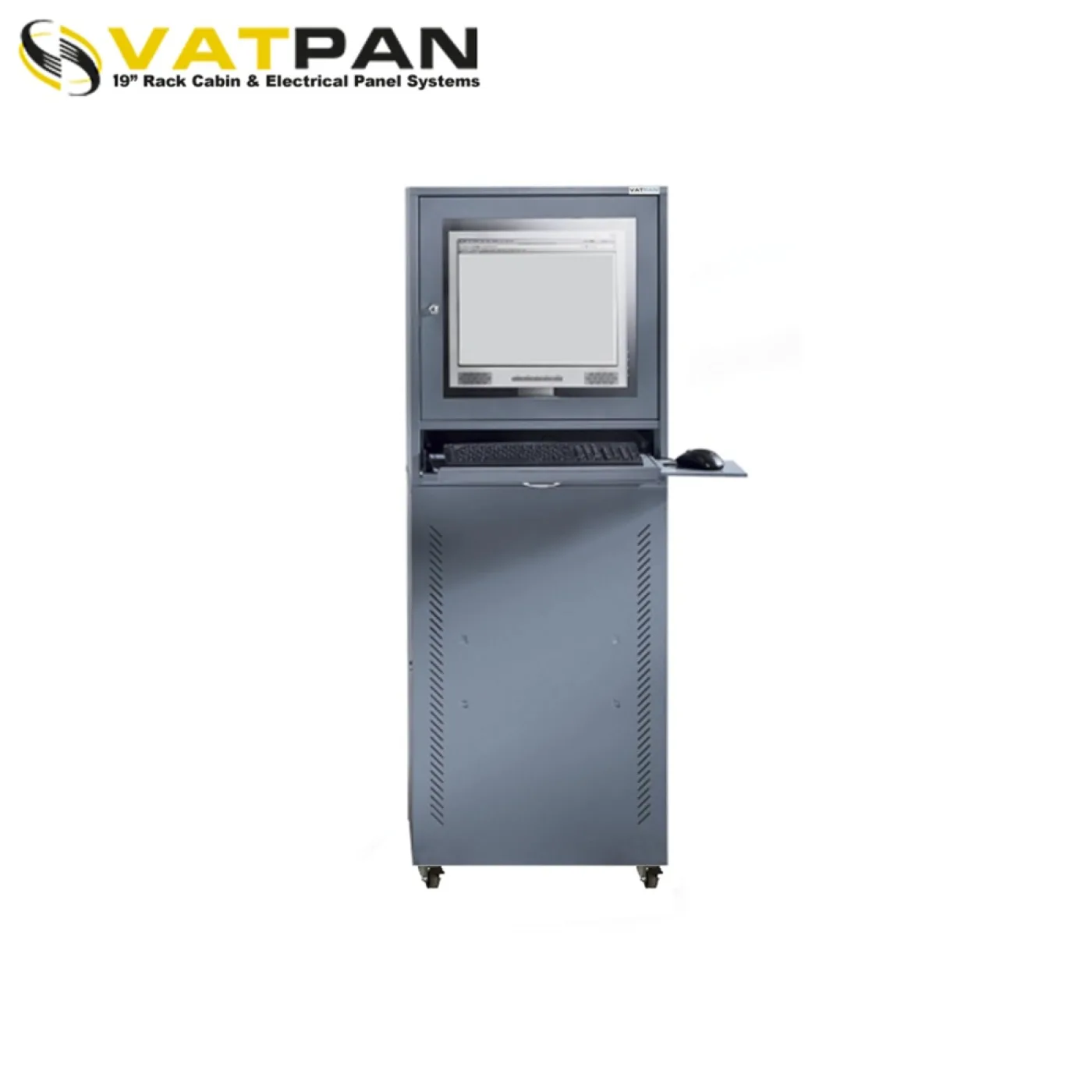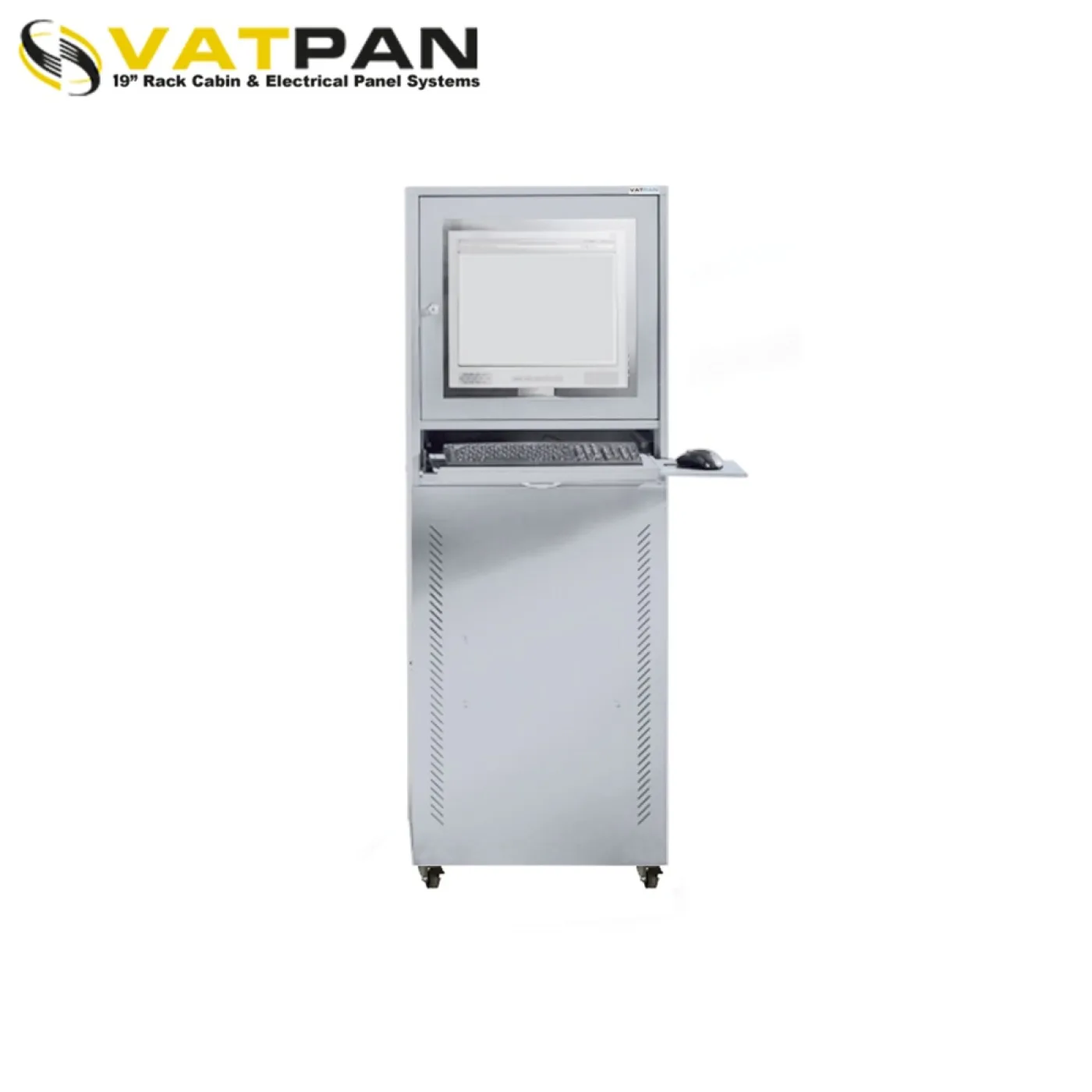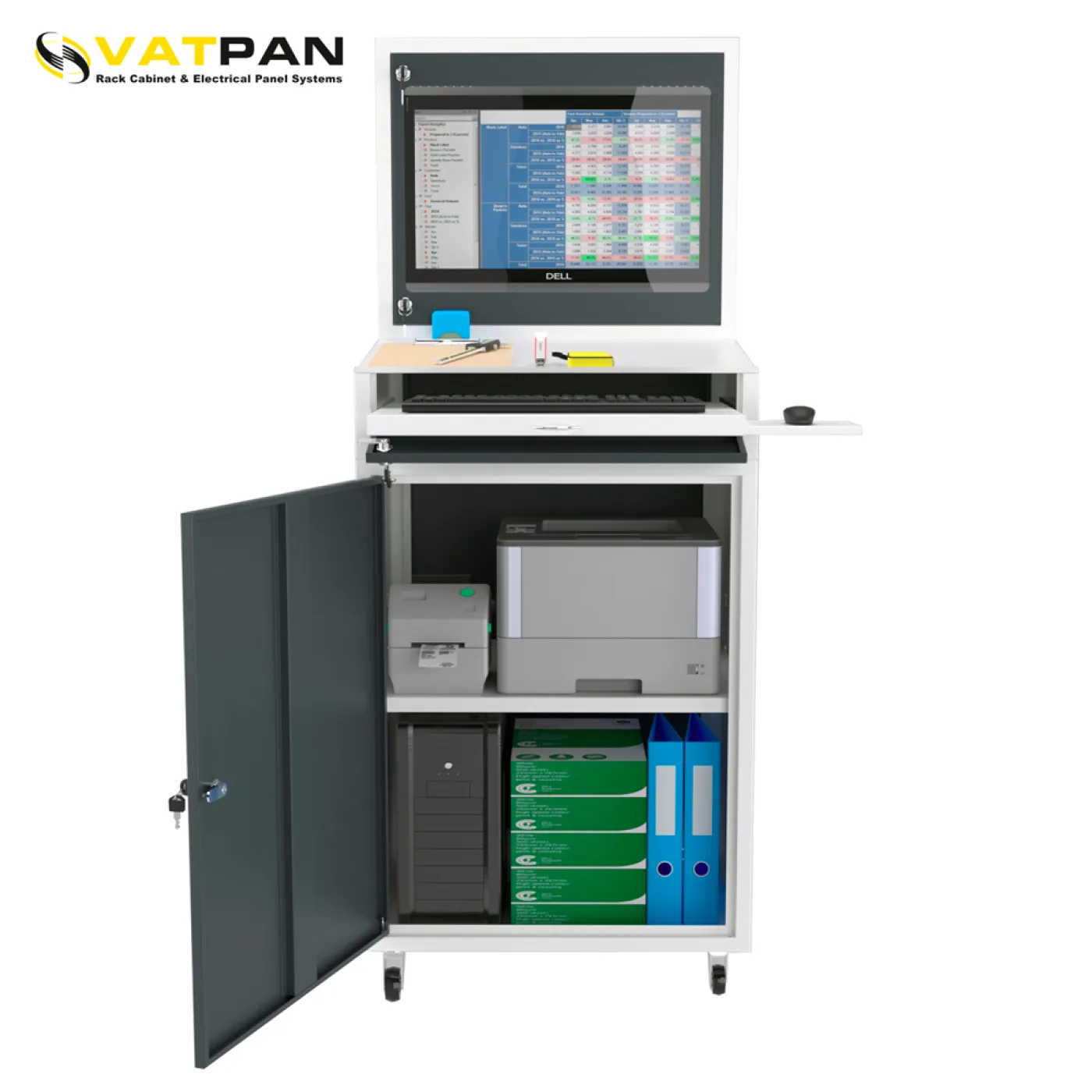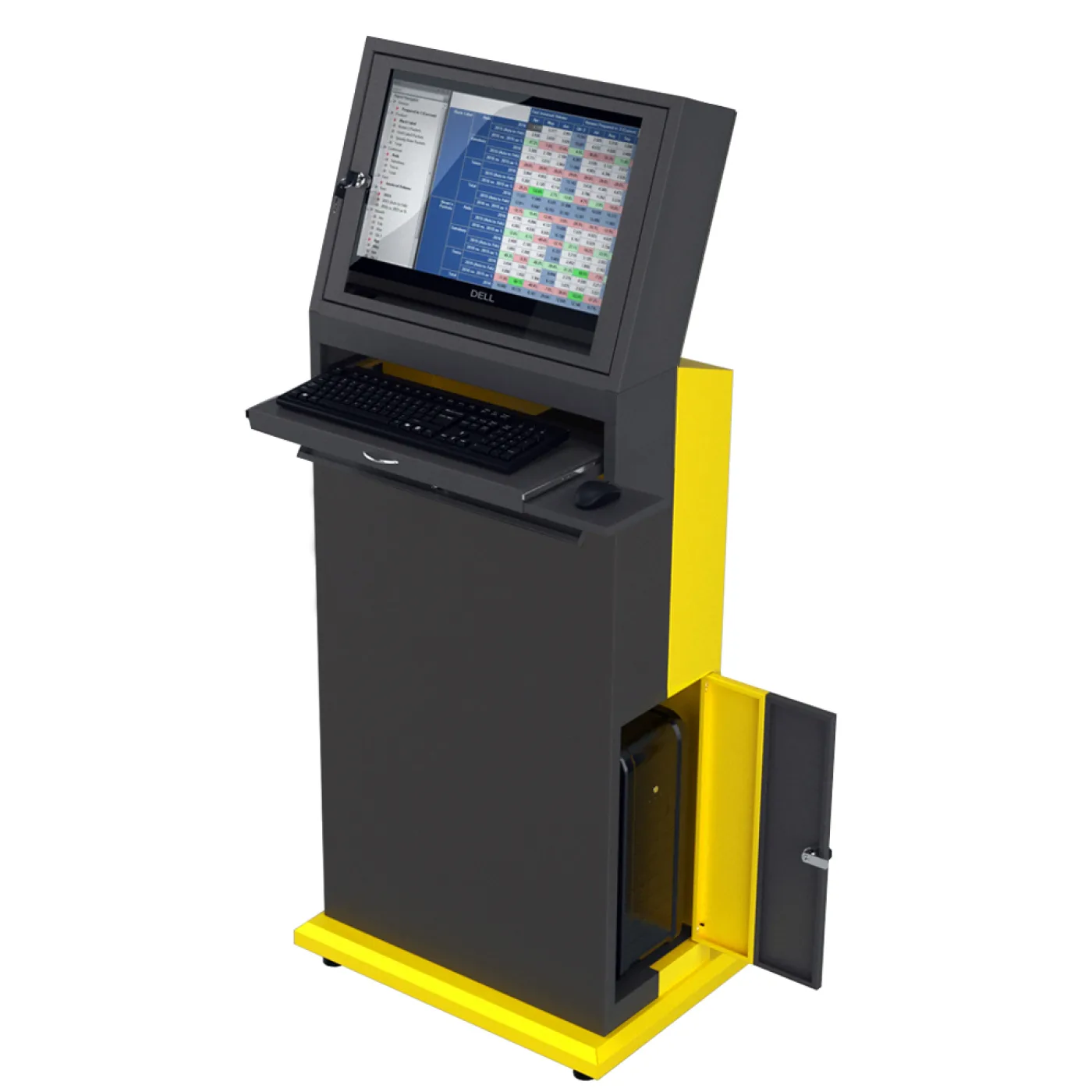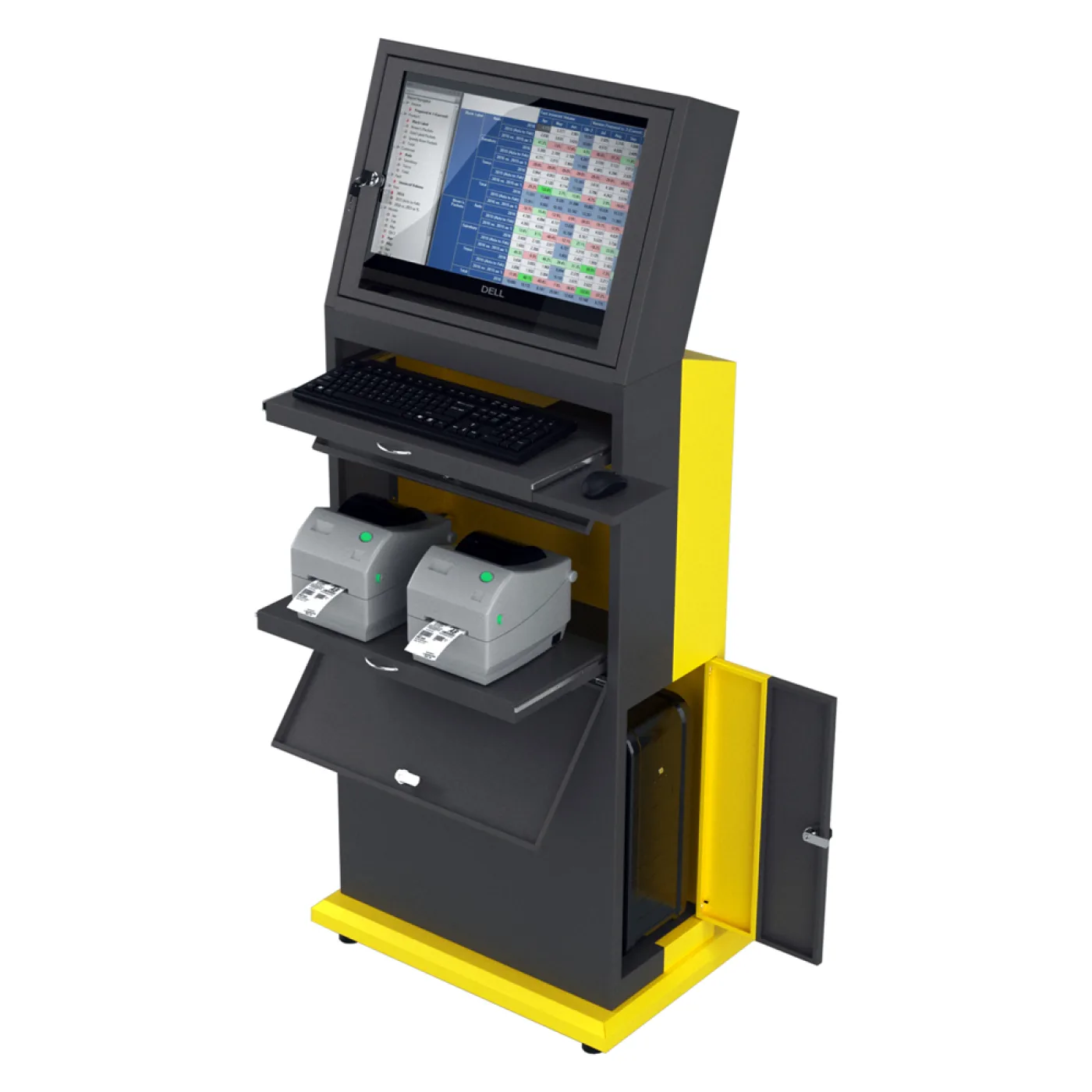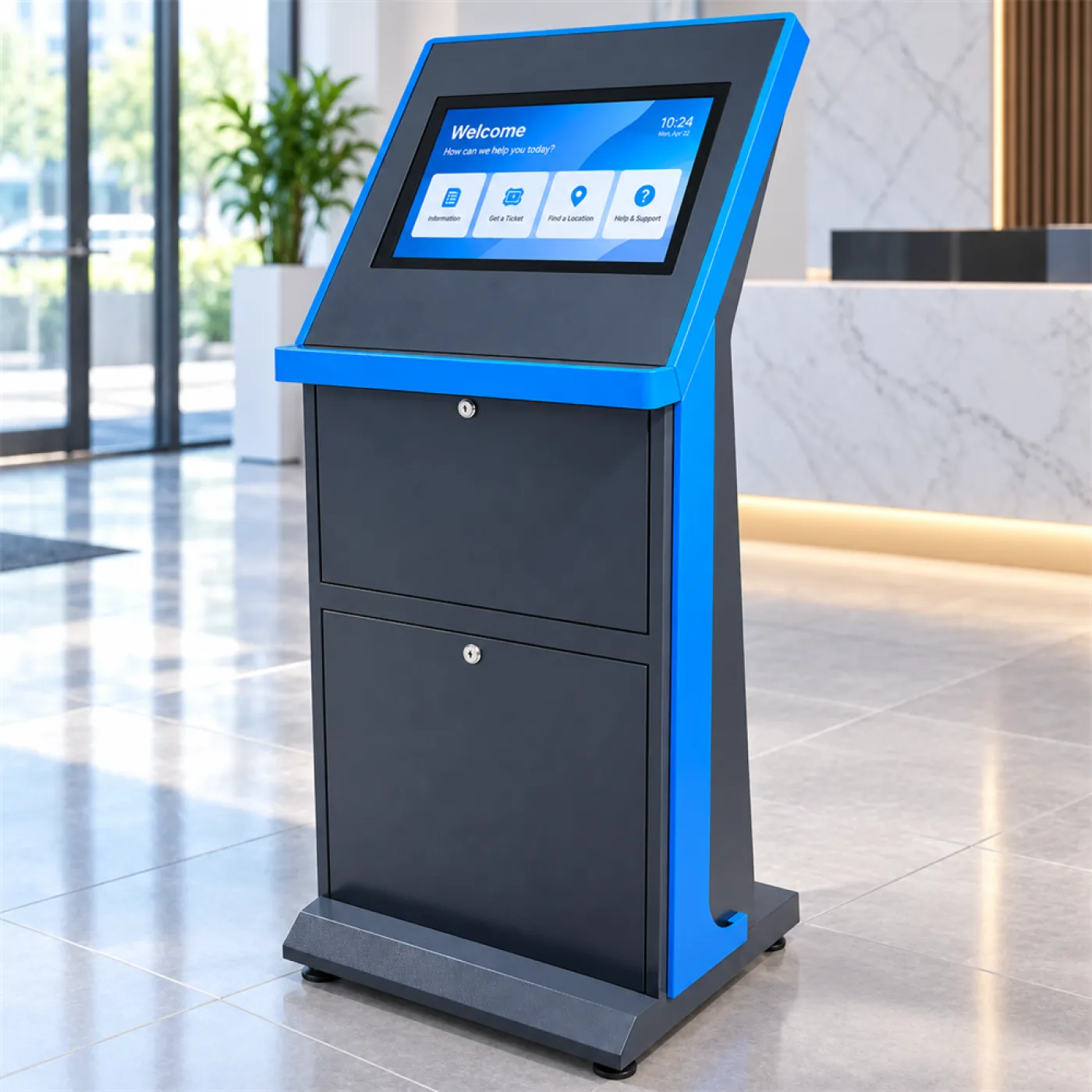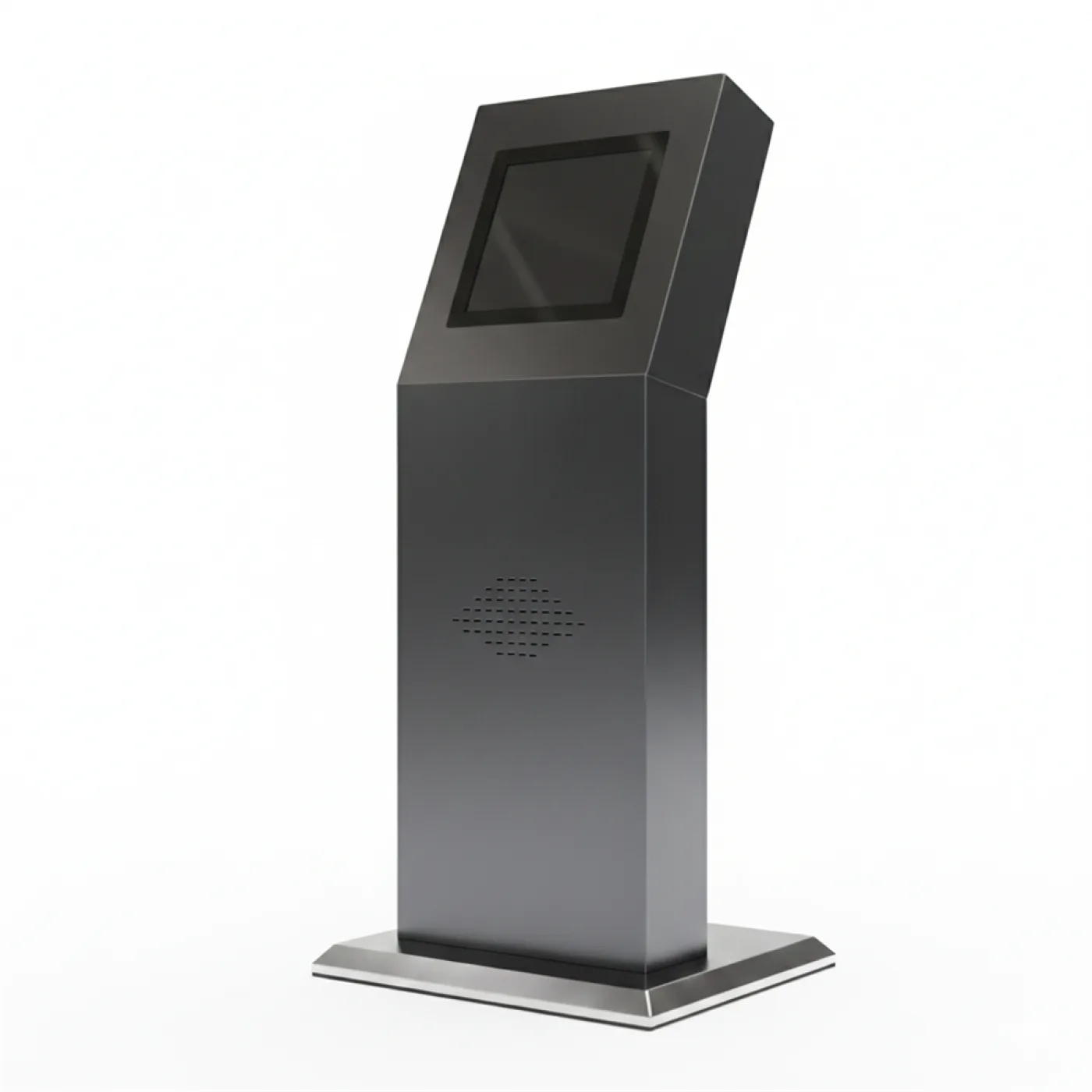
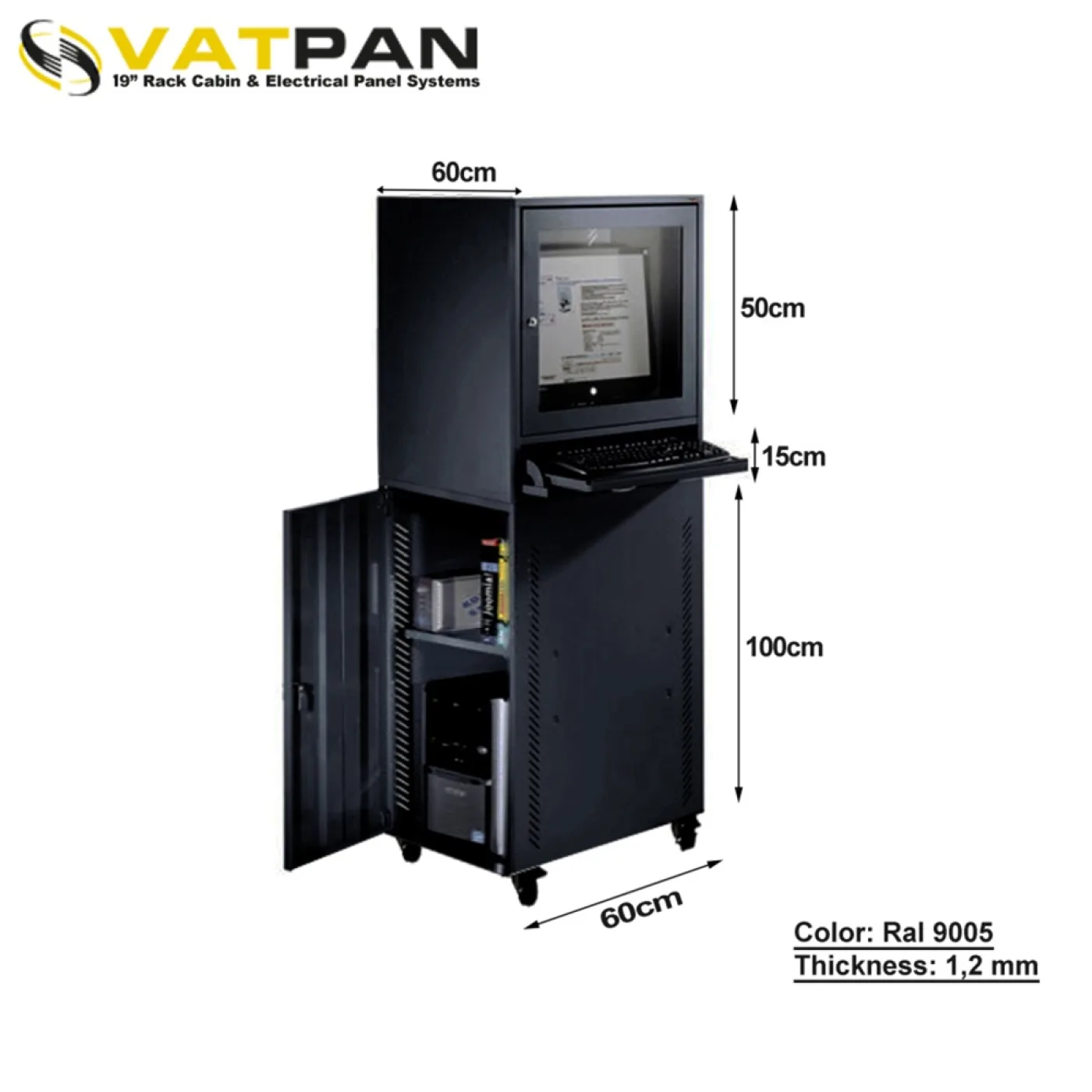
Putting a desktop computer on a production floor is a slow way of killing it. But the operator still has to see the screen, reach the keyboard and get to the label printer. An industrial PC cabinet exists to solve both of those at once.
What actually destroys a computer on the floor?
The common assumption is impact. In practice the list is different, and it runs in this order:
- Conductive metal swarf. The fan of a computer near a lathe or a grinder draws fine metal dust in along with the air. That dust settles on the boards and is conductive — one day it shorts something. It is the most insidious cause of failure on a shop floor.
- Coolant mist and oil vapour. Around CNC machines it hangs in the air, leaves a sticky film on surfaces and holds dust.
- Ordinary dust. An unfiltered fan blocks a heatsink within months; the temperature rises, the processor throttles, and eventually it shuts down.
- Impact and vibration. Forklifts, pallets, dropped tools. Vibration also shortens the life of disks and connectors.
- Unauthorised access. A USB stick plugged in, settings changed, a cable pulled.
The heart of the answer: a tempered glass door
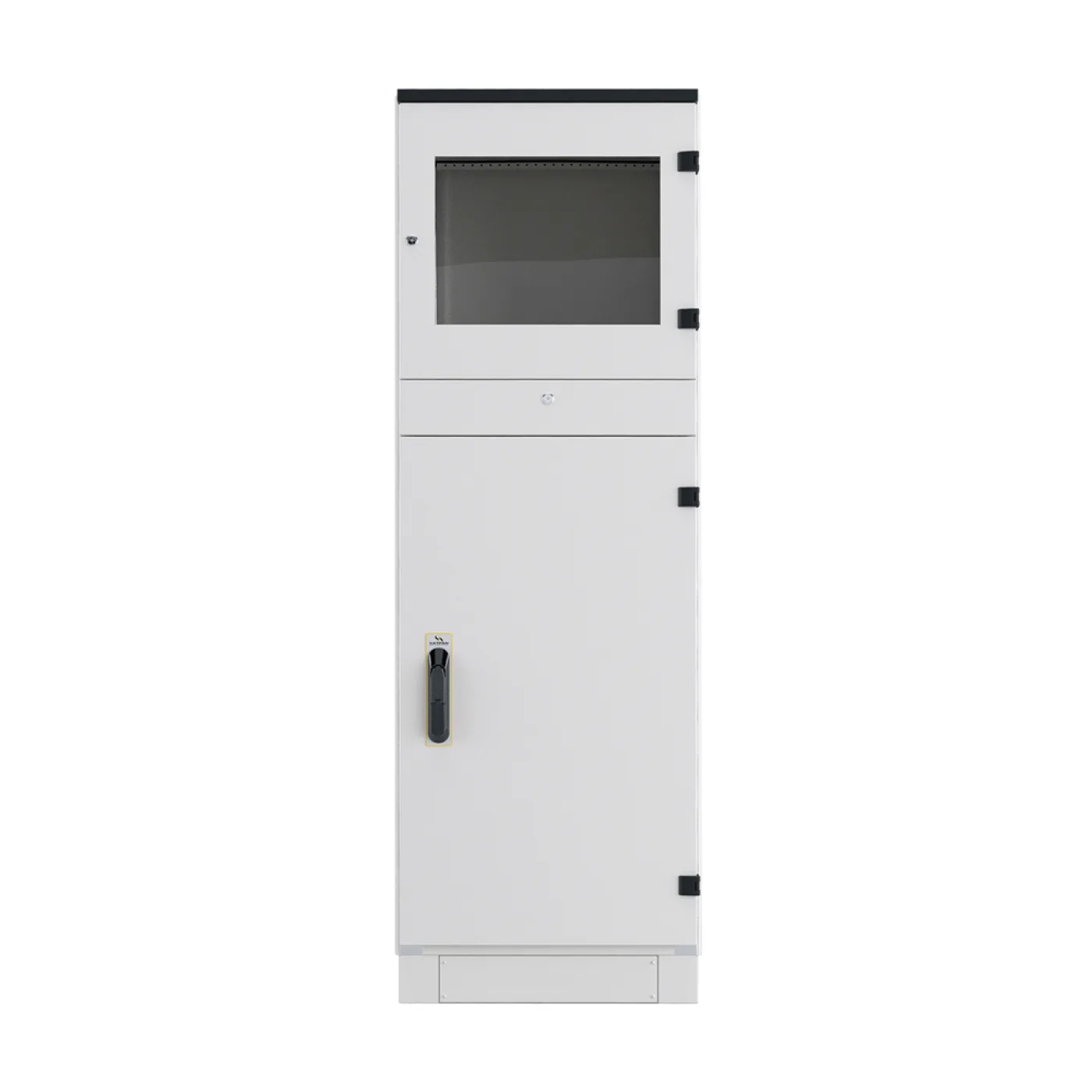
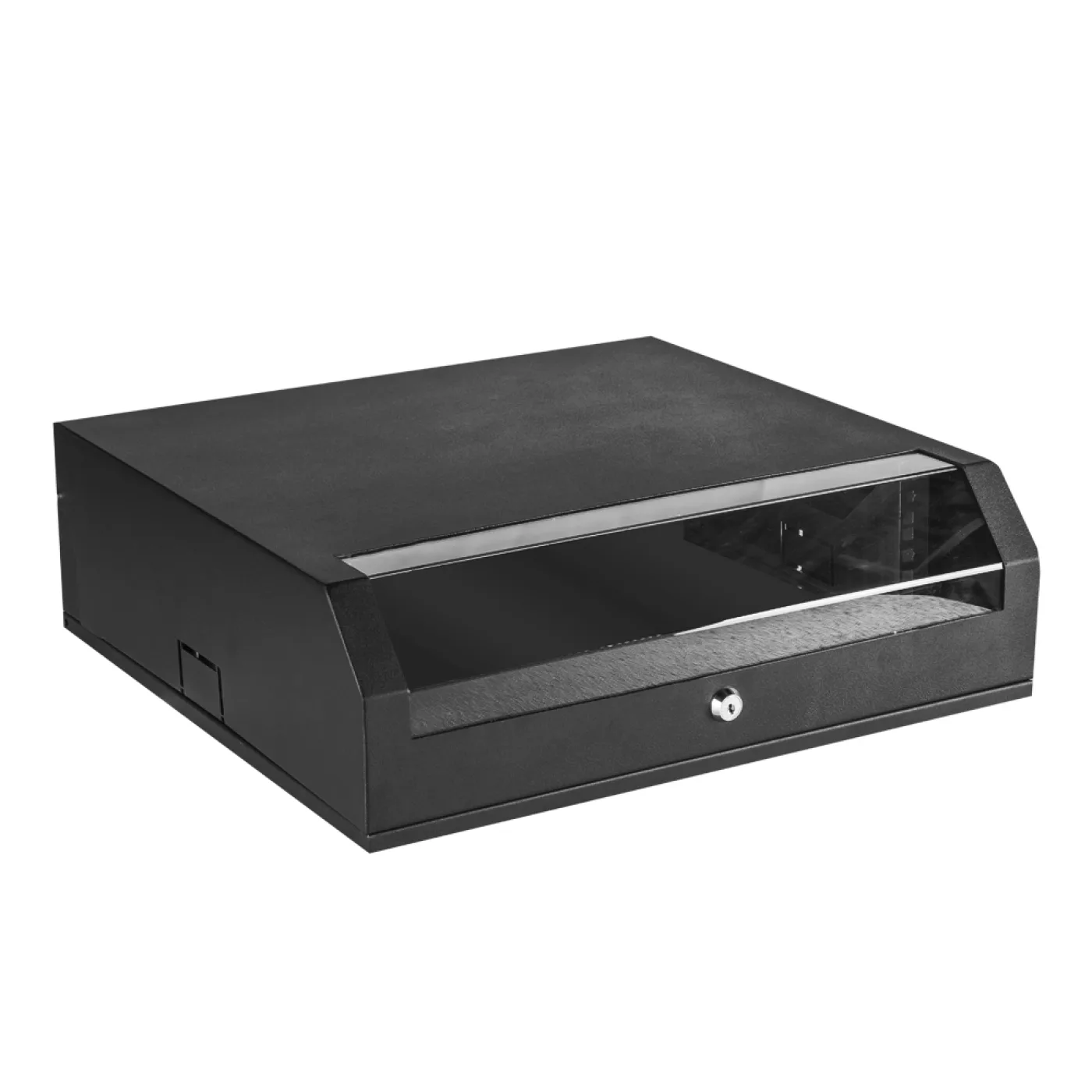
The price of keeping a cabinet closed is normally not being able to see the screen. That is why the front door of our cabinets is made from 4 mm tempered glass in a sheet-steel frame.
The result: the cabinet is closed — dust, swarf and oil mist stay outside — while the operator reads the screen. Keyboard and mouse sit on a shelf inside, the door opens when they are used and closes when the job is done. Tempered glass also breaks into blunt fragments rather than shards; in a production environment that is a safety requirement.
The monitor area is dimensioned for screens between 19 and 22 inches. If you are planning a larger screen, confirm it before ordering; this is not a dimension that can be solved afterwards.
The body: how strong?
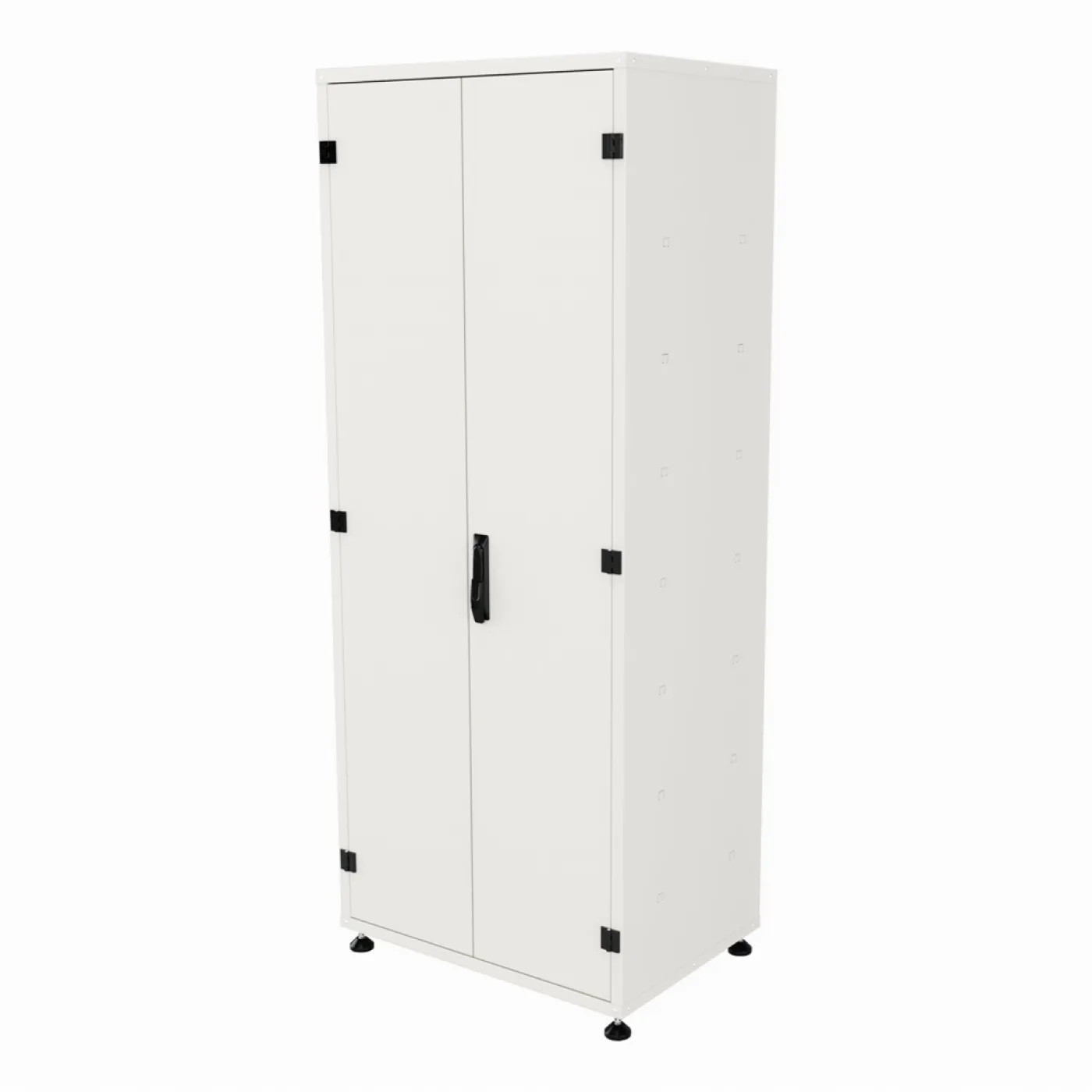
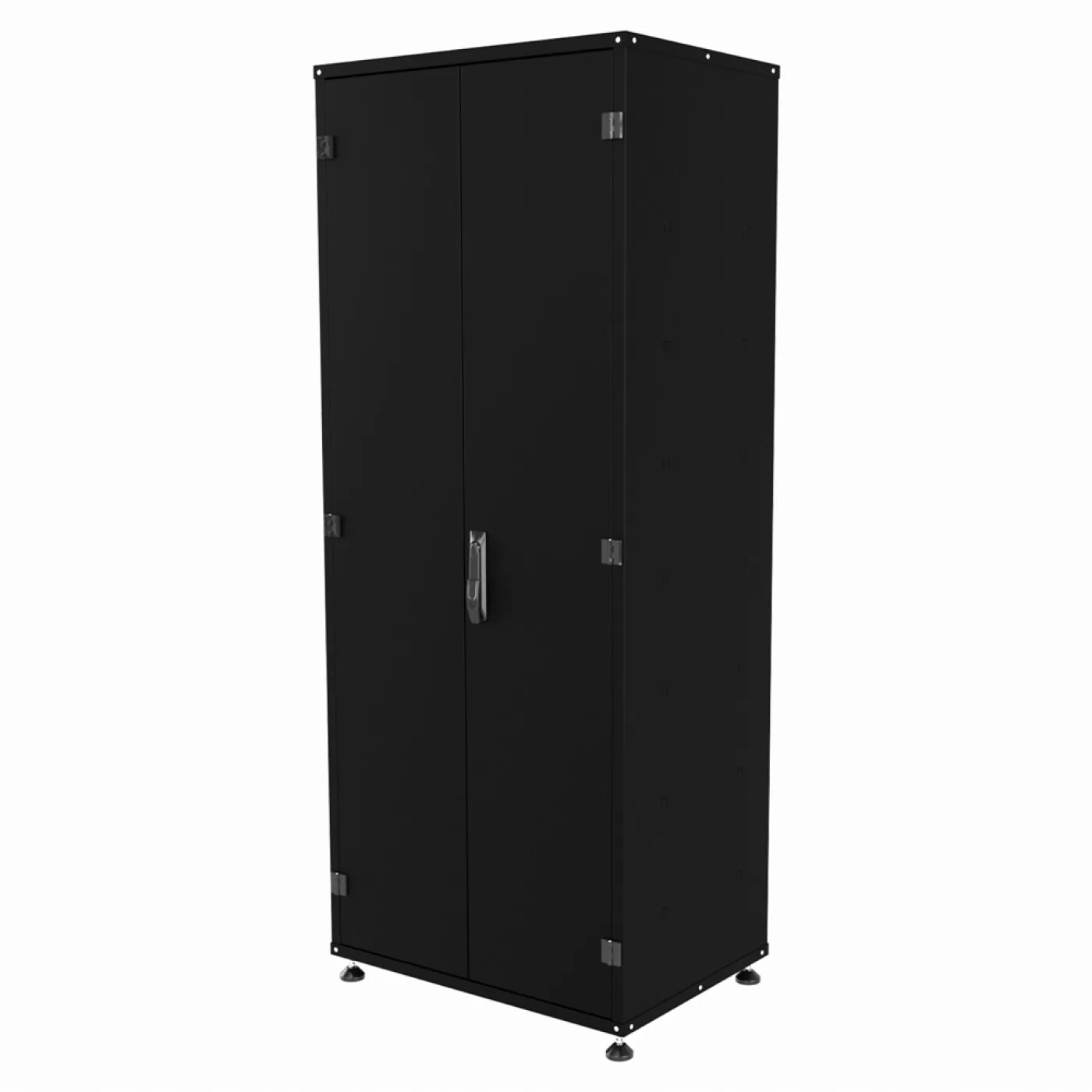
The cabinets are made from 1311-grade galvanised steel at 1.2 mm thickness. The standard colours are RAL 7031, RAL 7035 and RAL 9005.
Typical external dimensions:
| Type | Size (W×H×D) |
|---|---|
| Free-standing on feet | 600 × 1650 × 600 mm |
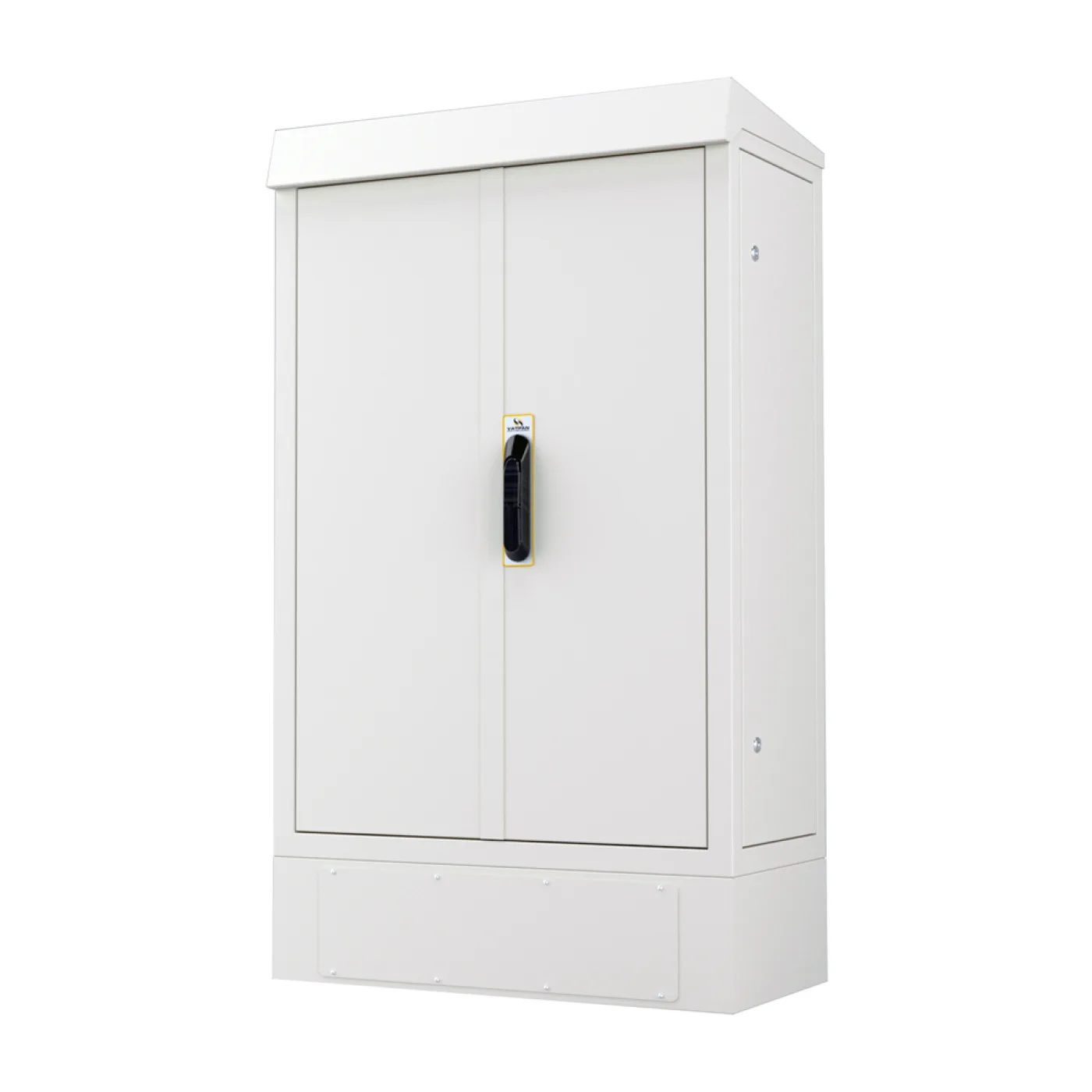
| IP55 free-standing | 600 × 1900 × 600 mm (including a 100 mm plinth) |
Four mounting types, four different floor problems
| Type | When |
|---|---|
| Pole-mounted | The floor has to stay clear: cleaning machines pass beneath, pallet traffic is not obstructed |
| On feet / free-standing | A fixed operator station; the standard answer |
| Floor-standing | More internal volume, printer and auxiliary equipment |
| Slim series | Narrow aisles, line-side positions, wherever space is critical |
The practical value of the pole-mounted type should not be underestimated: floor area on a production site is expensive and it is washed every month. A cabinet hanging clear escapes both the floor cleaning and the forklift.
When is the IP55 version needed?
The standard cabinet handles dust and mechanical exposure. The IP55 version is dust-protected and resistant to low-pressure water jets — for washed-down production areas, food lines and machine surroundings where coolant splashes.
There is a trade-off here and it should be said plainly: a computer inside a sealed cabinet produces heat, and that heat needs somewhere to go. An IP55 body has no ventilation opening; the 200–400 W of a desktop PC accumulate in that volume.
Practical approaches:
- Use a low-power, fanless or industrial PC (the cleanest answer).
- Fit a filtered fan — but that lowers IP55, which is hard to accept in a dusty environment.
- Use closed-loop cooling (a heat exchanger or air conditioner). The detail is in our article on thermal management in an outdoor cabinet; the logic is the same.
Ergonomics: a cabinet is also furniture
An operator stands in front of this cabinet for hours a day. Two dimensions decide the job:
- Monitor height. The top edge of the screen should be at or just below eye level. A monitor set too high means neck pain by the end of the shift.
- Keyboard shelf height. At a standing station the elbow should be at roughly 90 degrees.
When choosing the cabinet height, ask whether the operator will be standing or seated. The 1650 mm and 1900 mm bodies answer differently.
Multi-purpose cabinets
The same family also holds multi-purpose cabinets that house no computer: with adjustable internal shelves, for tools, spares, documents and protective equipment. They are produced in RAL 7035, RAL 9005, RAL 7016 and RAL 6027 and built to order in 5–7 working days.
Order of decisions
- Is there conductive swarf or oil mist in the environment? If so, a sealed body is mandatory.
- Is the area washed down? Then the IP55 version.
- Confirm the monitor size — 19–22 inches is standard.
- Where floor area is critical, choose pole-mounted; in narrow aisles, the slim series.
- Calculate the PC's power in watts and plan the cooling for a sealed body.
- Set the height from whether the operator stands or sits.