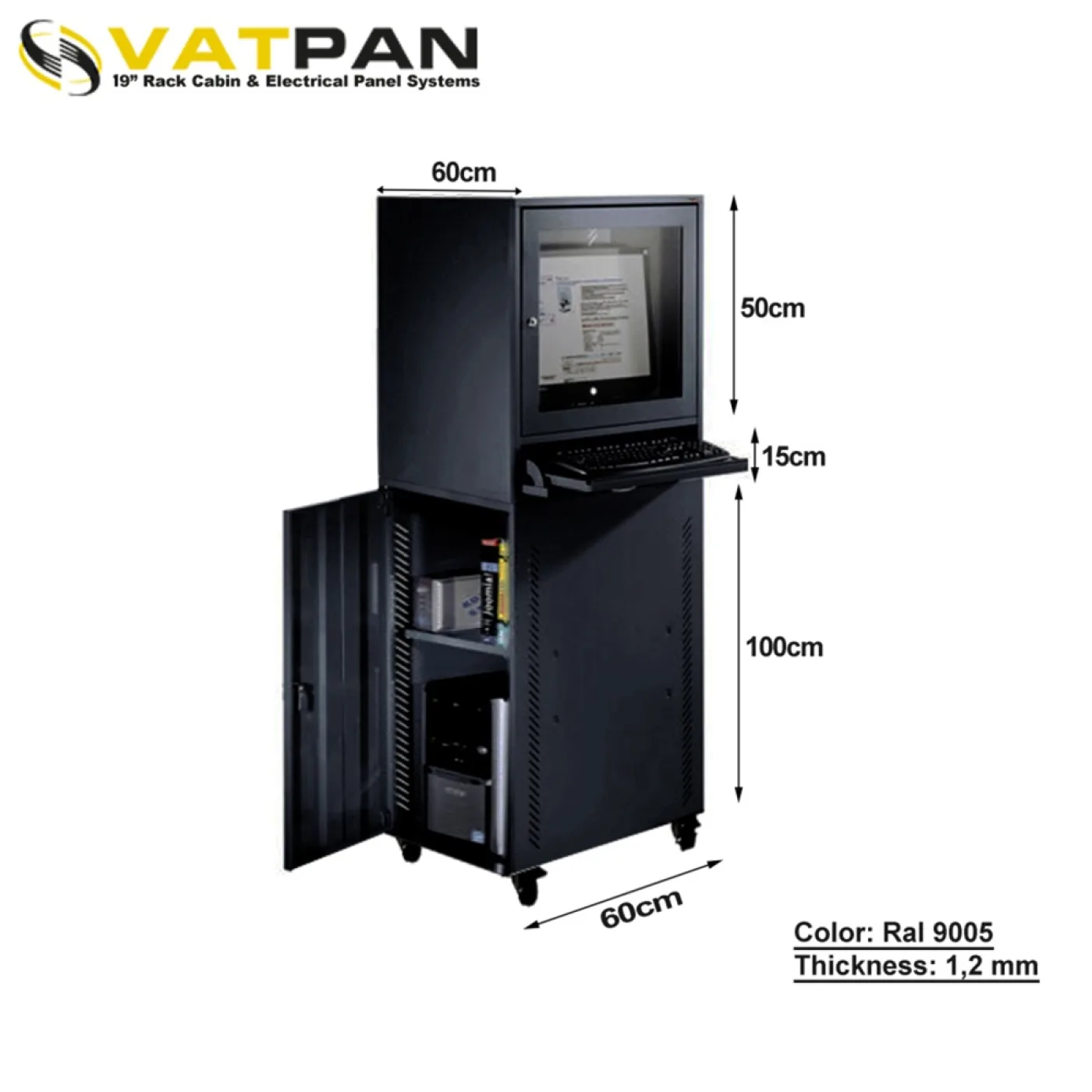
Buying a 19-inch wall rack for every small job that goes on a wall is a common habit. Most of the time it is unnecessary: the job does not need 450 mm of depth, the cabinet projects from the wall, it looks wrong where it is visible, and part of the money is wasted. This article covers four cases where a standard rack is the wrong answer.
1. FTTH termination: 120 mm of depth is enough
The point where fibre terminates at a building or apartment entry contains no active equipment at all: a splice tray, a few adapters, a coiling area for surplus fibre. That is the whole list.
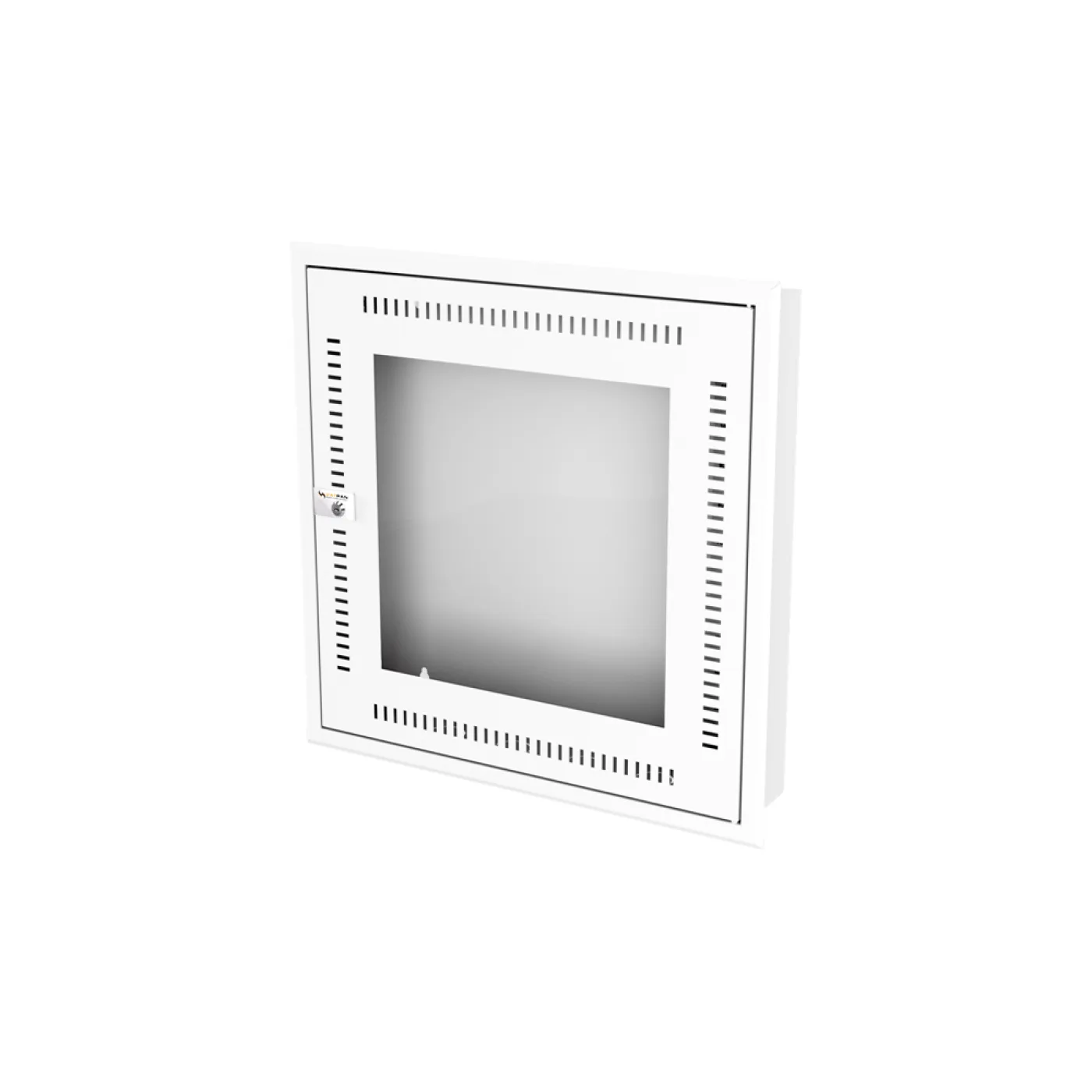
That is why our FTTH termination boxes measure 600 × 120 mm. A depth of 120 mm is less than most patch panels are deep on their own — because nothing needs more. They are made in 6U and 12U and mount on the wall or flush into it.
Flush mounting matters in particular: in an apartment entrance, a hallway or an office corridor, a box that sits inside the wall is both safer and far less obtrusive than one standing 120 mm proud of it.
If you are planning to put an ONT or a switch in later, 120 mm will not do and a heat problem follows. Where active equipment is coming, choose a 450 mm deep wall cabinet from the start. This is not a decision that can be corrected afterwards.
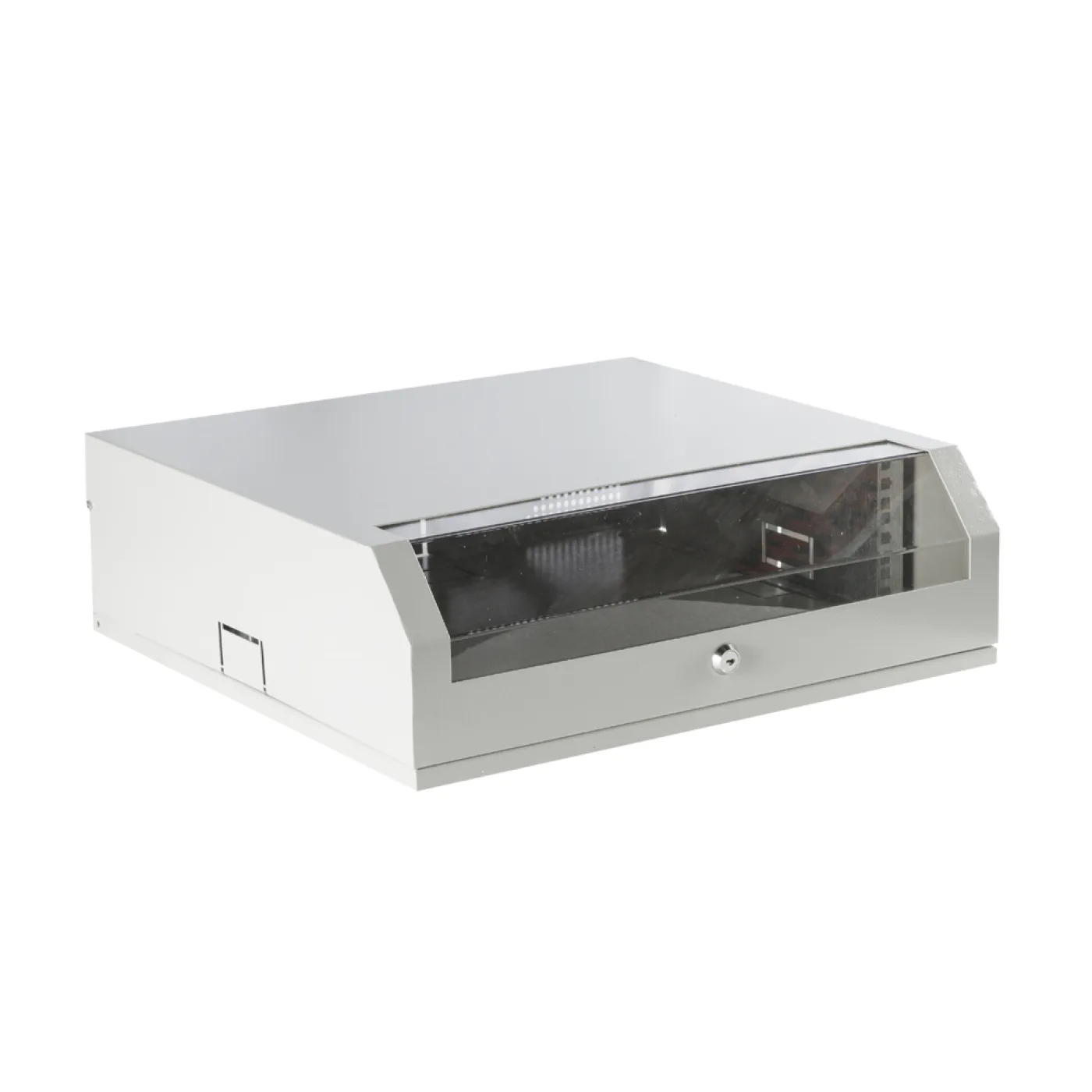
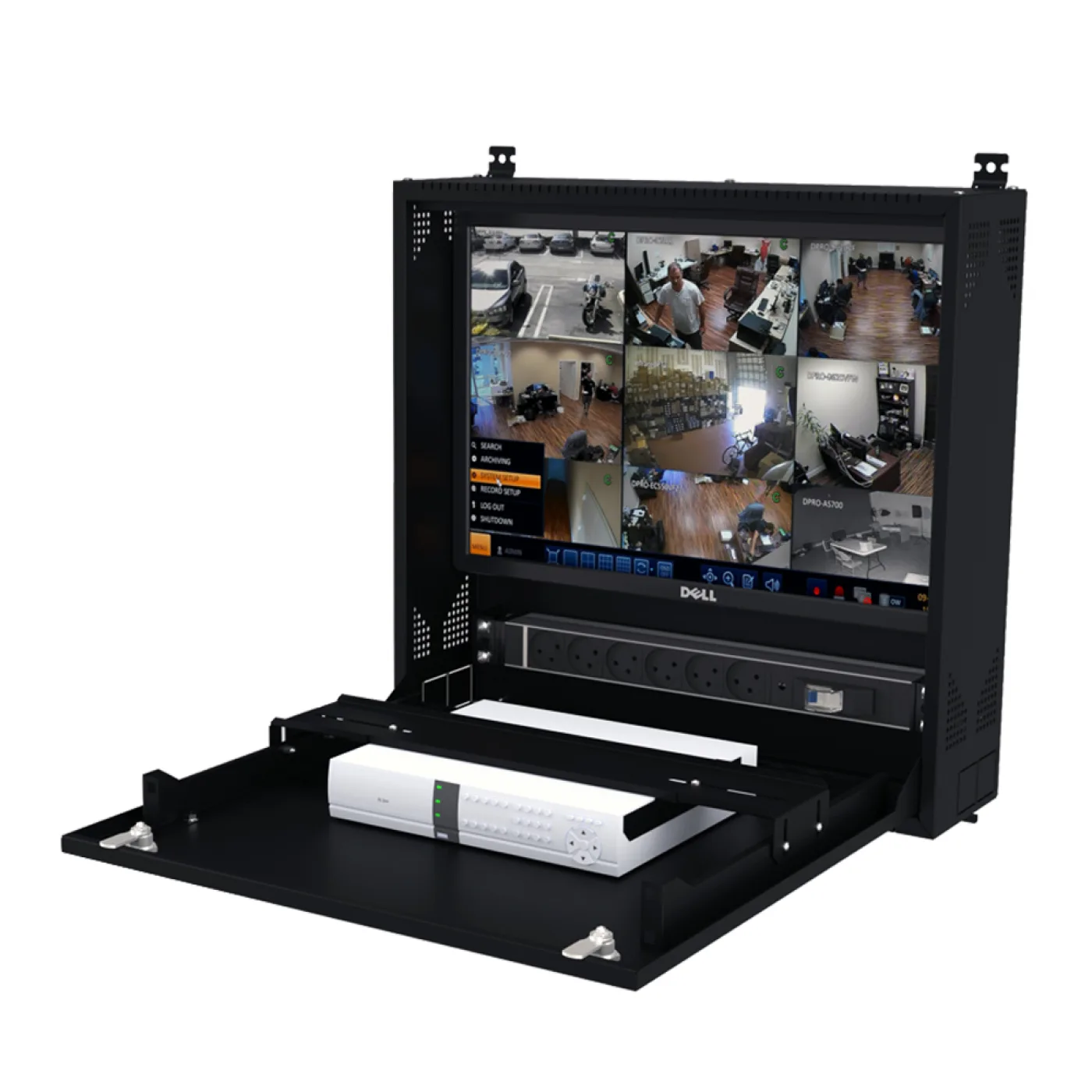
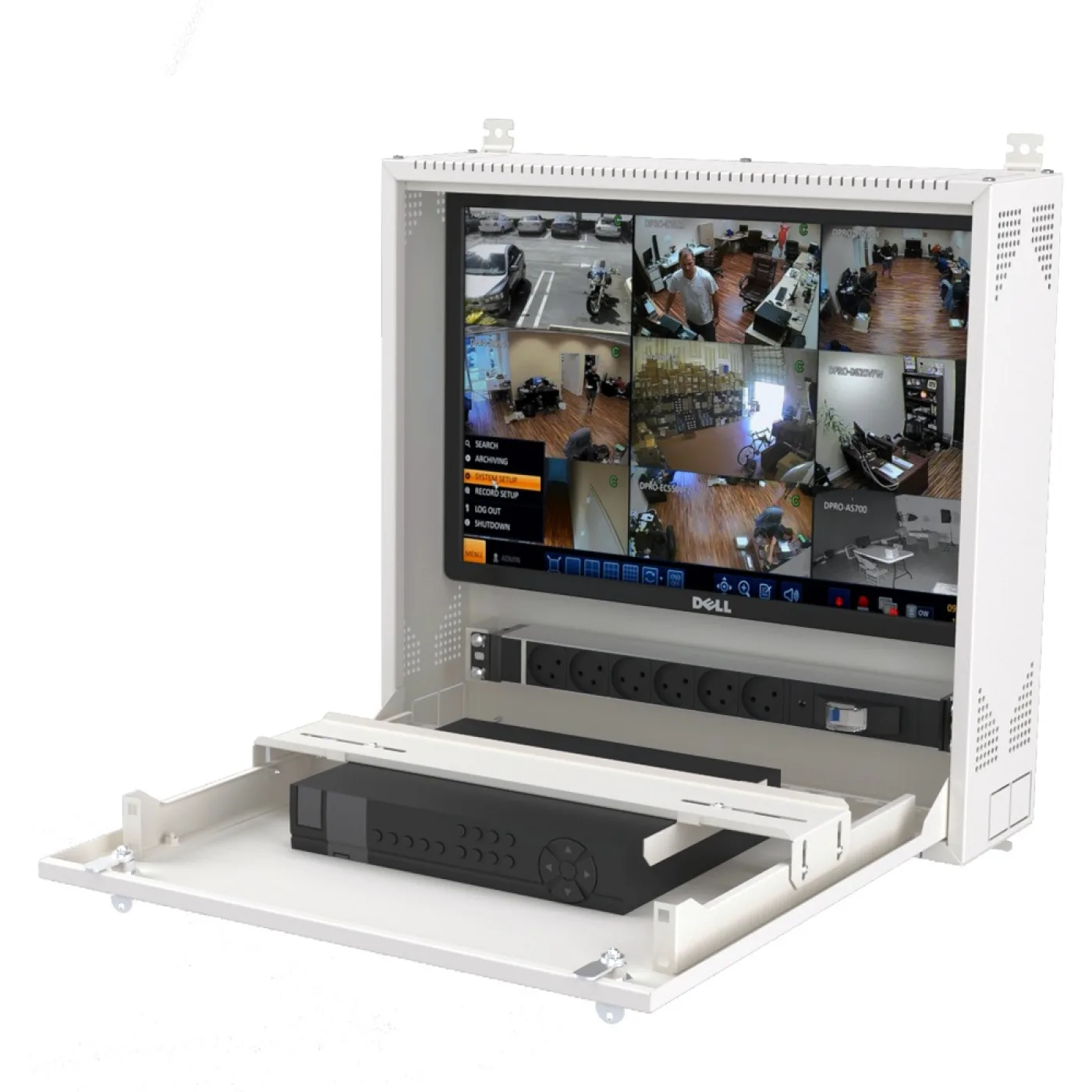
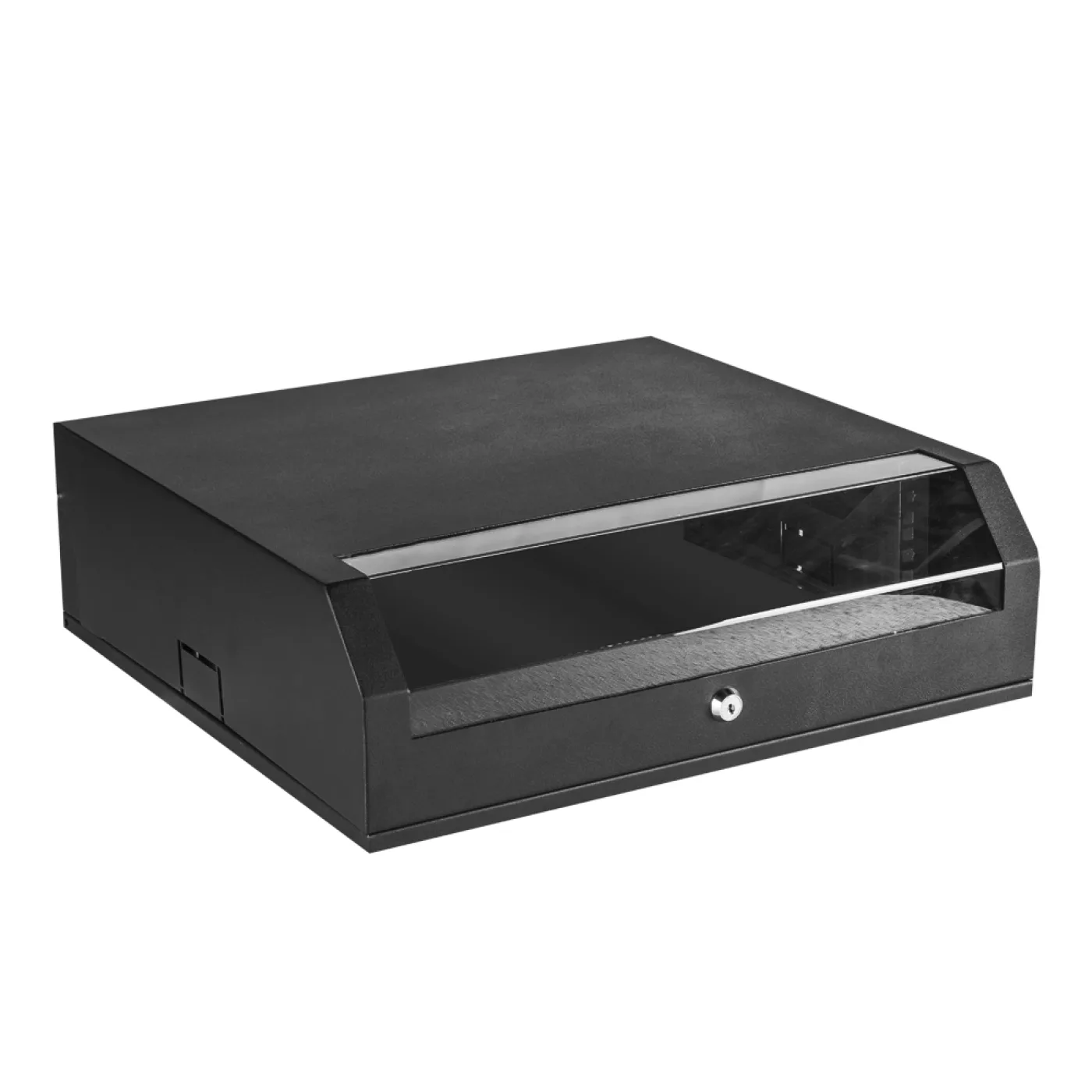
2. A DVR box: a lockable volume beside the cameras
A camera recorder does not expect to go into a rack. What it needs is different:
- A lock. Physical access to the recorder means the recordings can be deleted. It is often the weakest point of a security system.
- Ventilation. A DVR writes to disk continuously and warms up; in a closed, airless cupboard, disk life shortens.
- Cable entry. Camera cables, power and network all meet in the same box.
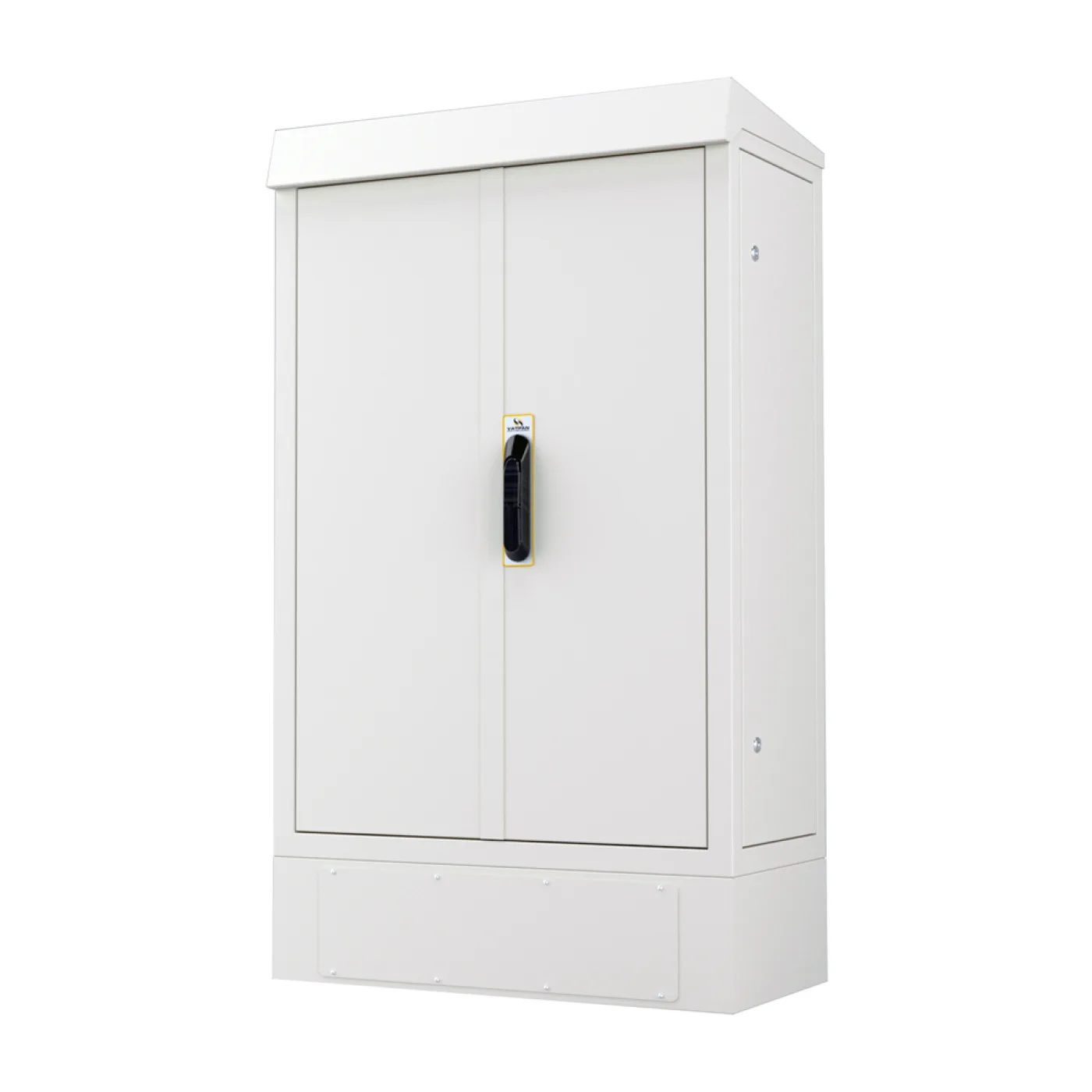
- Appearance. The box is usually in a stockroom, behind a reception desk or in a corridor — that is, somewhere visible. That is why our DVR box has a white option: indoors it sits far better than a grey steel box.
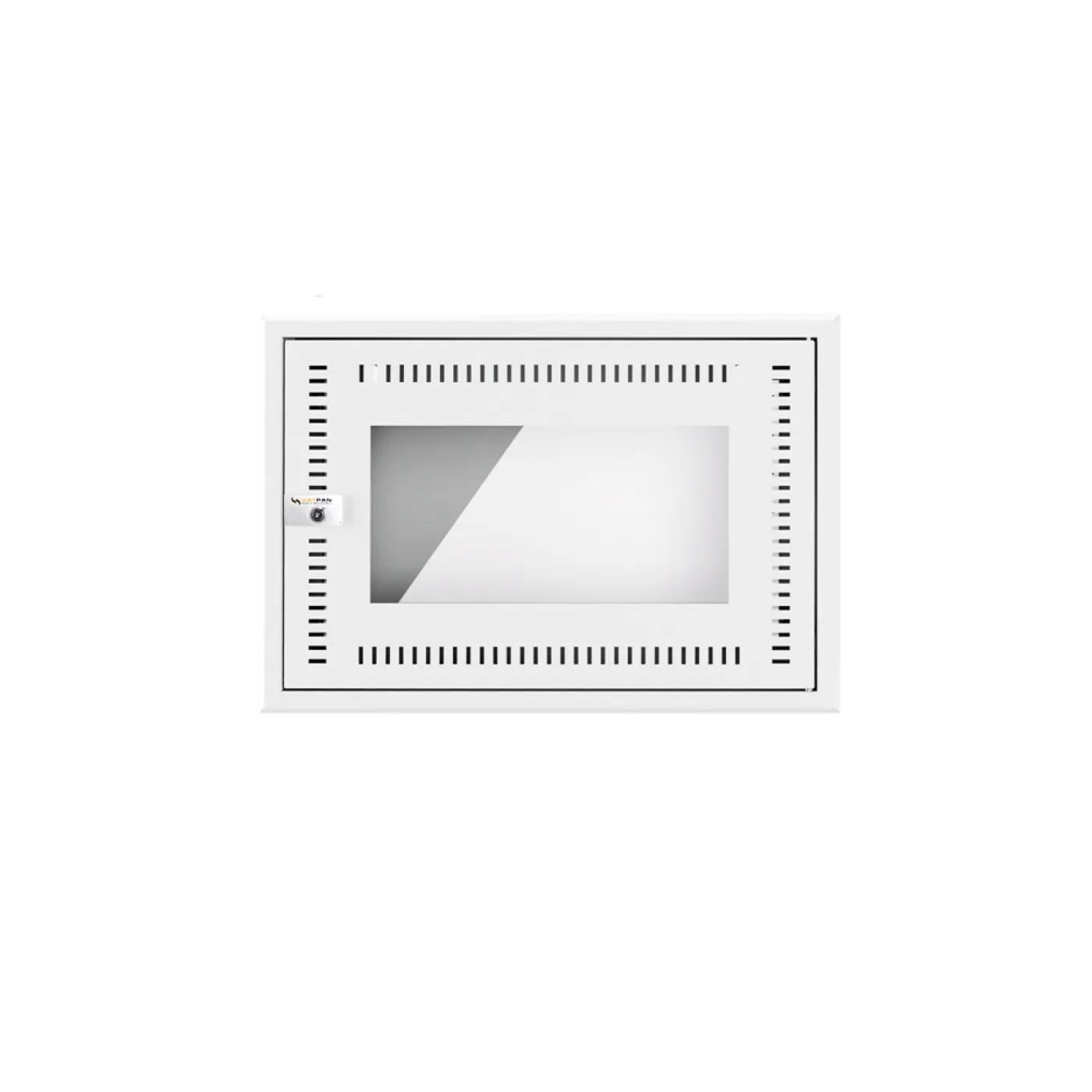
3. The office cabinet: 5U and the whole problem
What goes into a cabinet in a small office rarely varies: a modem, a switch, a patch panel, perhaps a small UPS. Those four fit comfortably in 5U.
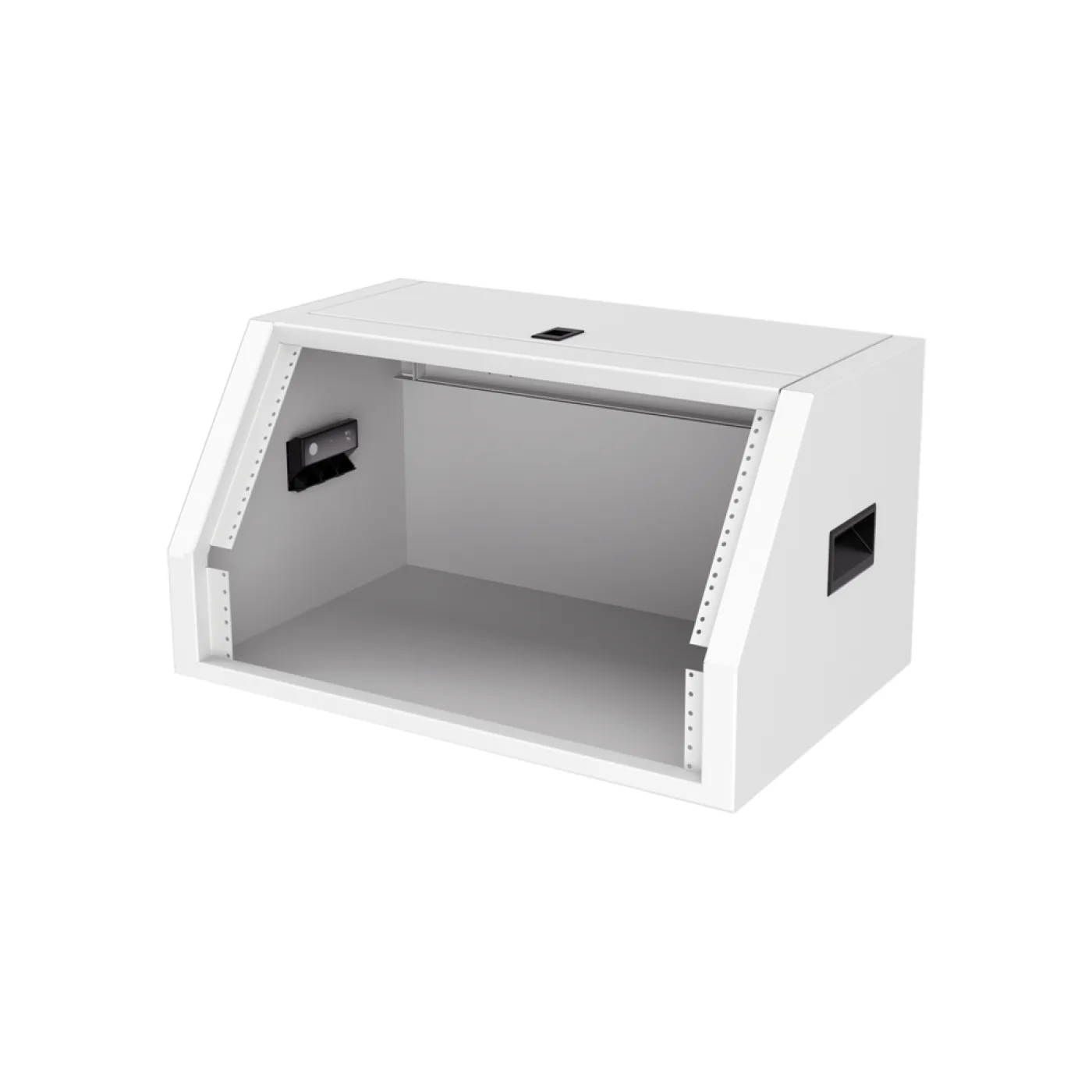
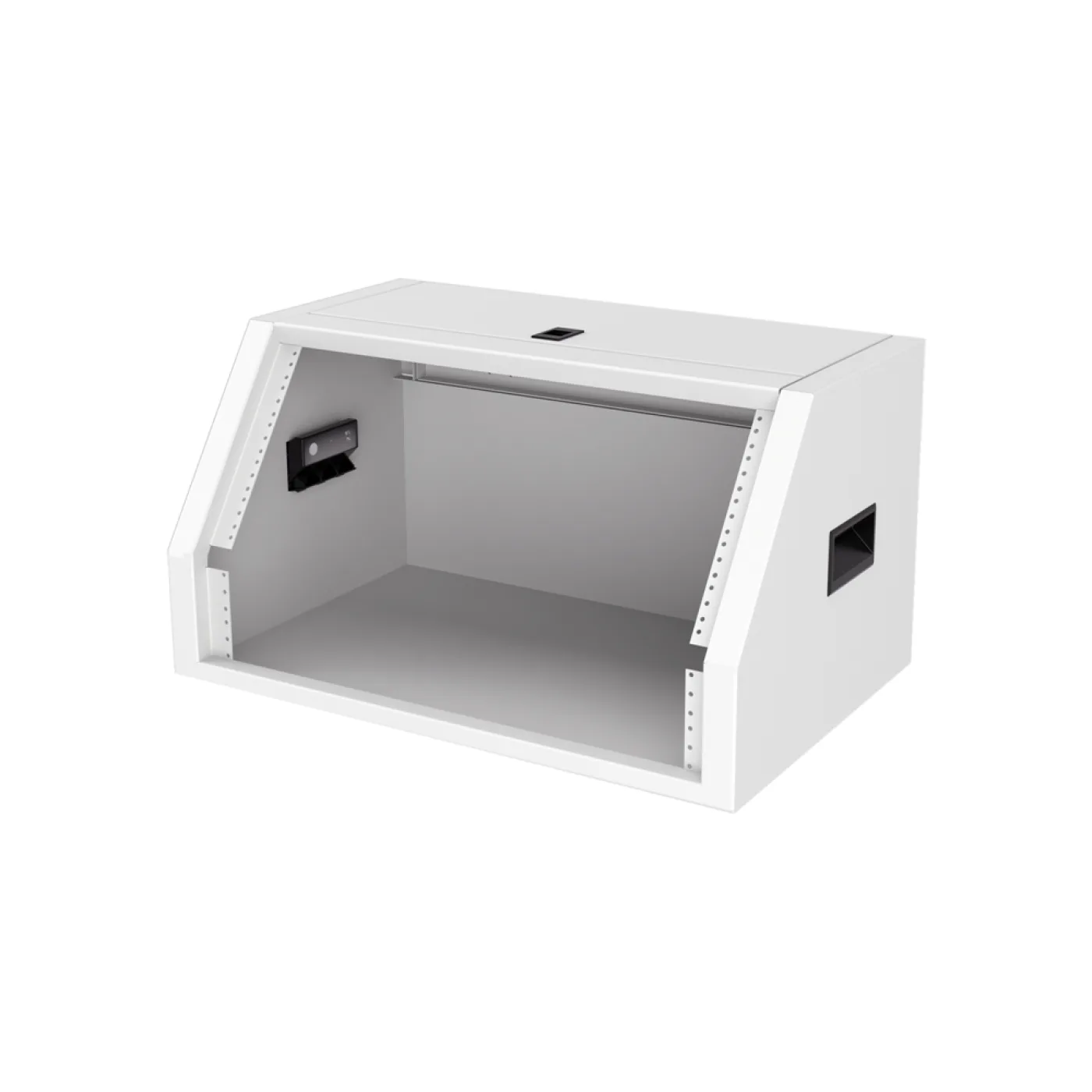
Buying a 12U wall cabinet means paying for empty U and taking up wall for nothing. Office cabinets are dimensioned around that job and produced in black and white bodies, intended to be mounted on a wall people can see.
4. The sloped-panel control cabinet: the angle is the product
When an operator panel, an HMI screen or a set of control buttons is mounted on a flat surface, two problems appear: a standing person looks down at the screen (reflections, poor viewing angle) and the wrist bends reaching for the buttons.
That is the reason sloped-panel control cabinets exist: the front face is angled to a standing operator's line of sight. They are produced in 6U and 10U; 6U for a single HMI and a few buttons, 10U for busier control layouts.
Mounting a panel in a standard flat cabinet and trying to solve the angle afterwards does not work; the slope is in the body itself.
What do all four share?
| Box | What is inside | Defining feature |
|---|---|---|
| FTTH termination | Passive fibre | 120 mm depth, flush mounting |
| DVR box | Recorder and disk | Lock, ventilation, white option |
| 5U office cabinet | Modem, switch, patch panel | Right size, clean appearance |
| Sloped control cabinet | HMI, buttons, controls | The angle of the front face |
The common thread: each is dimensioned to do one job well. A standard rack cabinet can do all of them — but none of them at the right size.
When should you actually move to a rack cabinet?
There are four signs; any one of them and the small box is out:
- 19-inch mounted active equipment is going in (a switch, a server, a UPS).
- The total load exceeds 5U, or will within a year.
- Something inside produces meaningful heat.
- Rear service access will be needed.
In those cases move to a wall-mount or floor-standing rack; the choice between the two is covered in our article wall-mount or floor-standing.